
Make flashcards from your own course material with Cordia Classroom
Cordia Classroom is an AI flashcard maker for your own course material: every study guide it writes comes with a flashcard for each of its questions.
You review the cards on a spaced schedule and learn them in Learn, where answering from memory is what masters an idea.
How it works
- Make a study guide from your slides, PDFs or notes.
- Cordia turns each question and answer in the guide into a flashcard.
- Open Flashcards, flip each card, and choose Got it or Again, or swipe right or left.
- Keep going with Learn or Study now; cards come back on a spaced schedule.
What it looks like
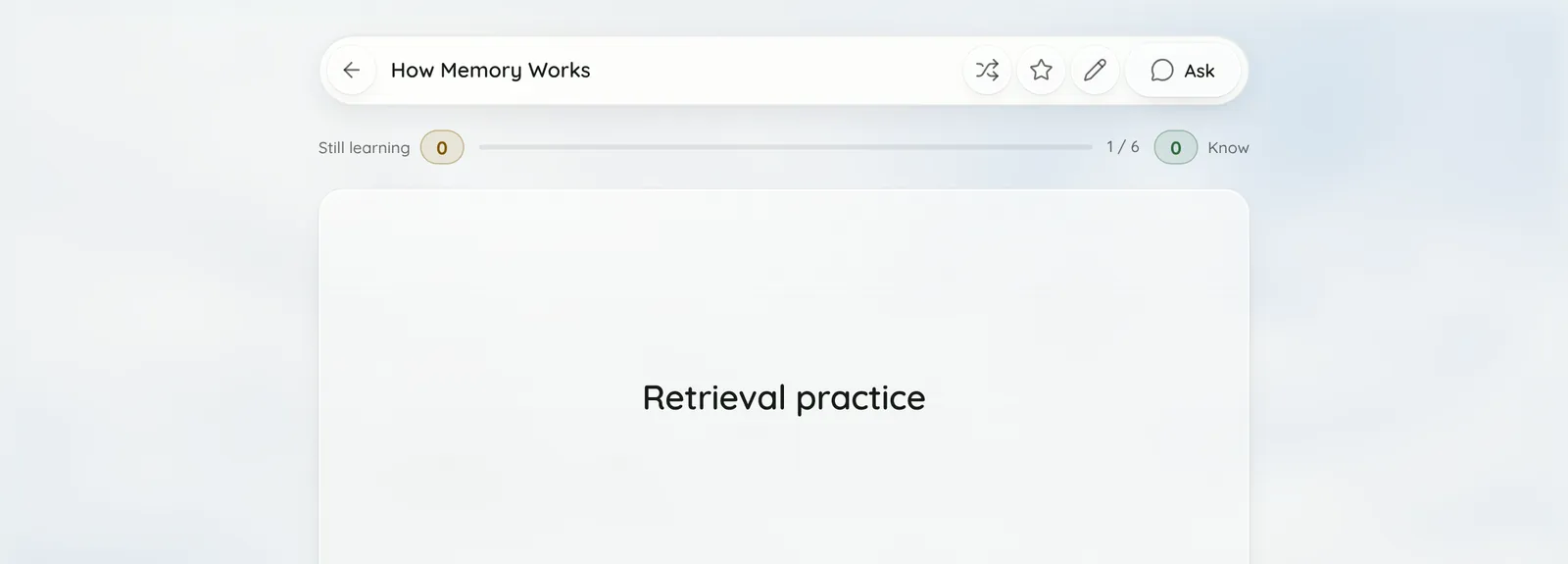
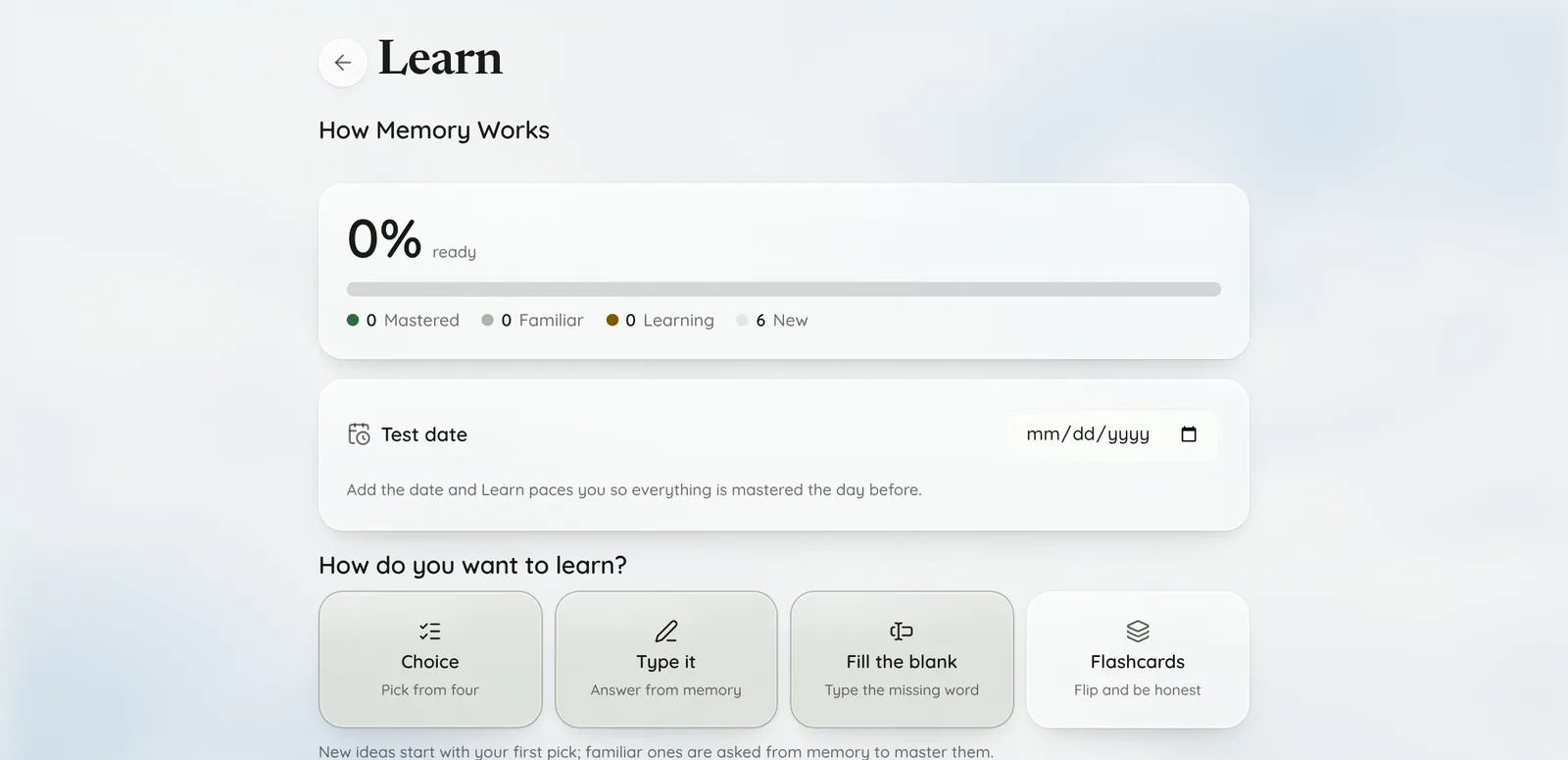
Screenshots show Cordia's built-in sample guide, How Memory Works.
How are the flashcards made?
From the study guide: each question and answer becomes one card, with exact duplicates and empty answers left out.
There is no fixed number of cards: a longer guide has more questions, so it has more cards. Cards are made with the guide whether you start in Cordia, in the Chrome extension or from a recorded lecture, and a guide that starts as notes gets its cards the first time you open them.
How does spaced review work in Cordia?
Cards come back after 1, 2, 4, 7, 15 and 30 days: a step further along that schedule each time you finish a round without missing them, and back to the start when you miss one.
- Flip (or Space) shows the answer.
- Got it (or 2, or a swipe right) counts the card as known for this round.
- Again (or 1, or a swipe left) sends the card to the back of the round, so you see it again before the round ends; when the round is over, a card you missed comes back the next day.
- Library shows how many cards are due, and Study now on a guide mixes due cards with Learn ideas, up to 30 cards a round.
Can I import a Quizlet set or write my own cards?
Yes. Import from Quizlet reads a set from its link with the Chrome extension, or from the text Quizlet exports, and Write cards lets you type your own.
- Links work for public sets and sets you can open while signed in to Quizlet. Use the set's own link, not a Learn, Match or Test link.
- Without the extension: on Quizlet choose ⋯, then Export, then Copy text, and paste it into Cordia.
- A link brings in up to 1,000 cards, as text: images don't come over.
- Imported cards open in the editor so you can check them before saving.
- Write cards gives each card a Term and a Definition, and Add card adds another. Cards you write or import don't use your monthly study guides.
Can I add images to cards?
Yes. Each side of a card can have a photo, and on a phone you can take it with the camera.
Photos are resized in your browser to at most 1,600 pixels on a side, and must be a JPEG, PNG, WebP or GIF under 3 MB. GIFs keep moving.
What is Learn mode, and why does only recall master an idea?
Learn moves each idea through New, Learning, Familiar and Mastered: picking from choices takes an idea to Familiar, and answering from memory masters it.
With Learn's default ways of asking (Choice, Fill the blank and Type it), new ideas start as choices and familiar ones are asked from memory, because recalling an answer sticks better for a test than recognising it. A right answer you marked as a guess doesn't move the idea up, and a miss drops it back to Learning.
Mastered ideas come back after 5 days so they stay fresh, and if you add a test date, Learn paces you to master everything the day before. If you turn on only Choice, a right pick on a familiar idea masters it, and Learn tells you so.
Who it's for
For example:
- A biology student makes a guide from a lecture PDF and reviews its flashcards on the bus with swipes.
- A student switching from Quizlet brings in last term's sets from their links with the Chrome extension.
- An art history student adds a photo of each painting to the front of its card.
Free includes 3 study guides a month. Pro is $4.99 a month and Academic Weapon is $9.99 a month, and new accounts can try Academic Weapon free for 7 days with no card. See pricing
Frequently asked questions
Are the flashcards free?
Yes. Studying, writing and importing cards and adding photos have no plan limit. Making a study guide with AI, which makes its cards, uses one of your monthly study guides: 3 a month on Free.
How many cards does a guide make?
One for each question in the guide, so there is no fixed number.
Can I edit the cards?
Yes. Choose Edit in the guide's menu to change its questions and flashcards and to add photos.
Can I study only the cards that are due?
Yes. Study now on a guide brings the due cards first, up to 30 cards a round; with nothing due, it runs a full round of the guide's cards. Flashcards on its own plays the whole deck.
Do Quizlet images come over?
No. An import brings the text of each term and definition.