
Turn lecture slides and PDFs into study guides with Cordia Classroom
Cordia Classroom is an AI study guide generator: upload your lecture slides, PDFs or Word files and it writes a study guide from them, with an outline, questions and answers, and flashcards.
Then you study the guide in the same place, with Learn, Flashcards and Practice.
How it works
- Choose New, then Upload, and add up to 5 files: PDFs, PowerPoint (.pptx or .ppt), Word (.docx), photos or text files.
- Pick the class the guide belongs to, if you like, and choose Create.
- Cordia reads your material, finds the key ideas, writes questions and answers, and makes flashcards.
- Open the guide to read the outline or go through the questions page by page, then study it with Learn, Flashcards or Practice.
What it looks like
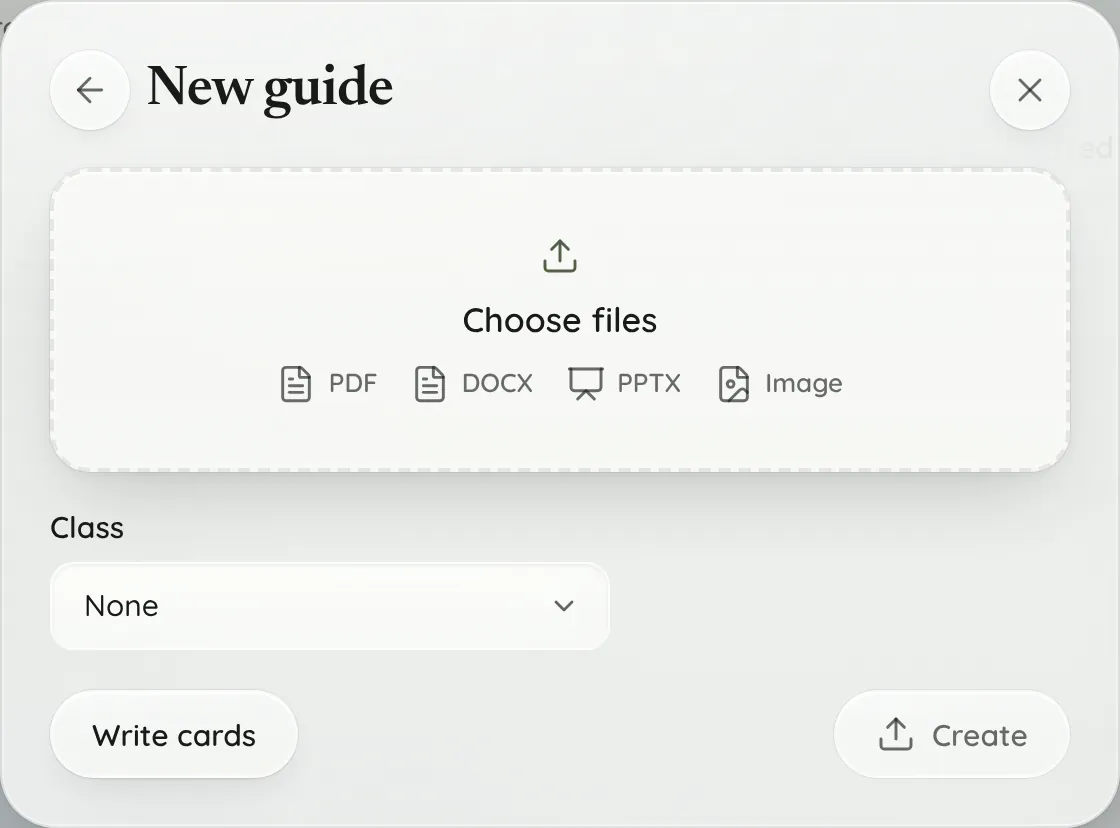
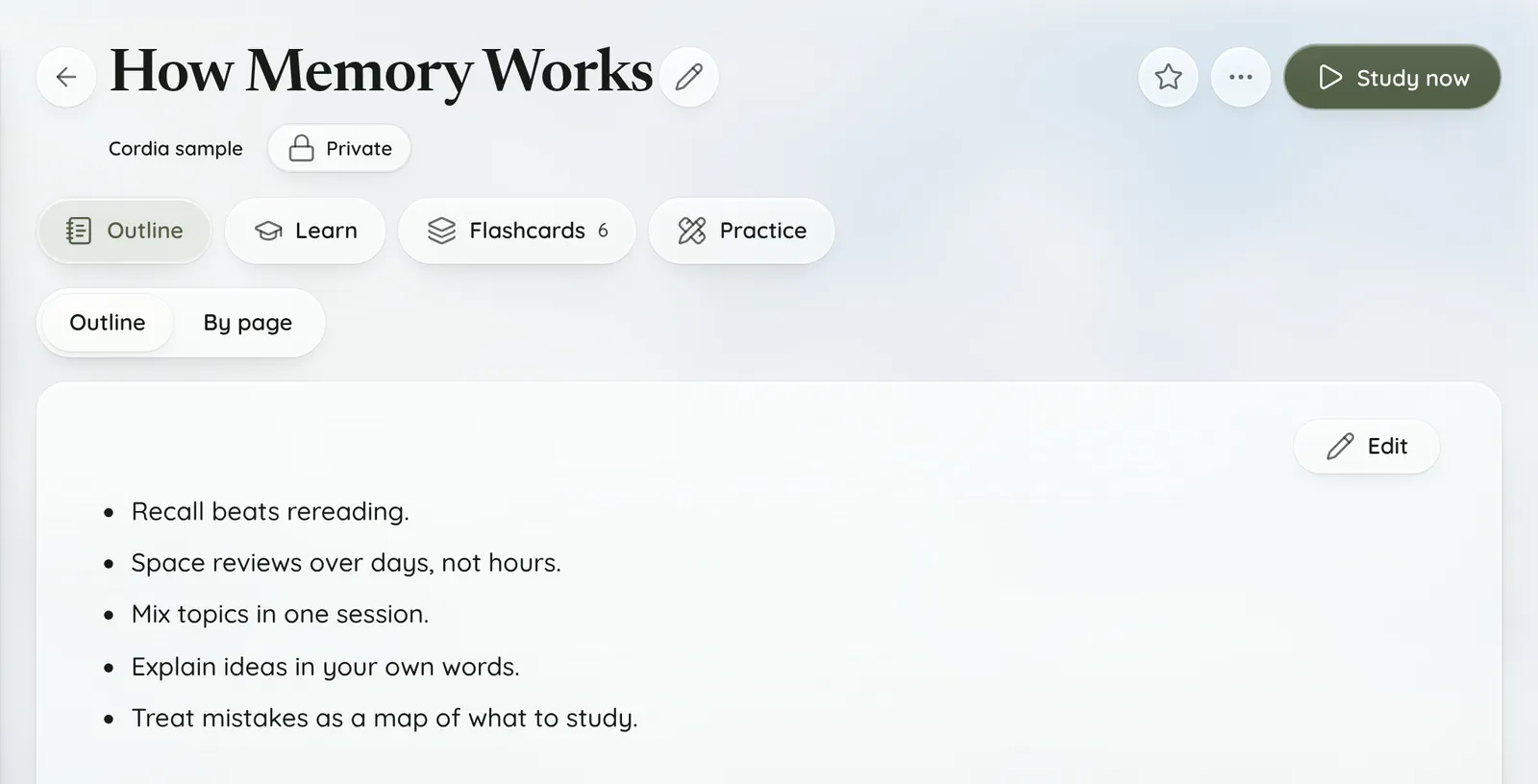
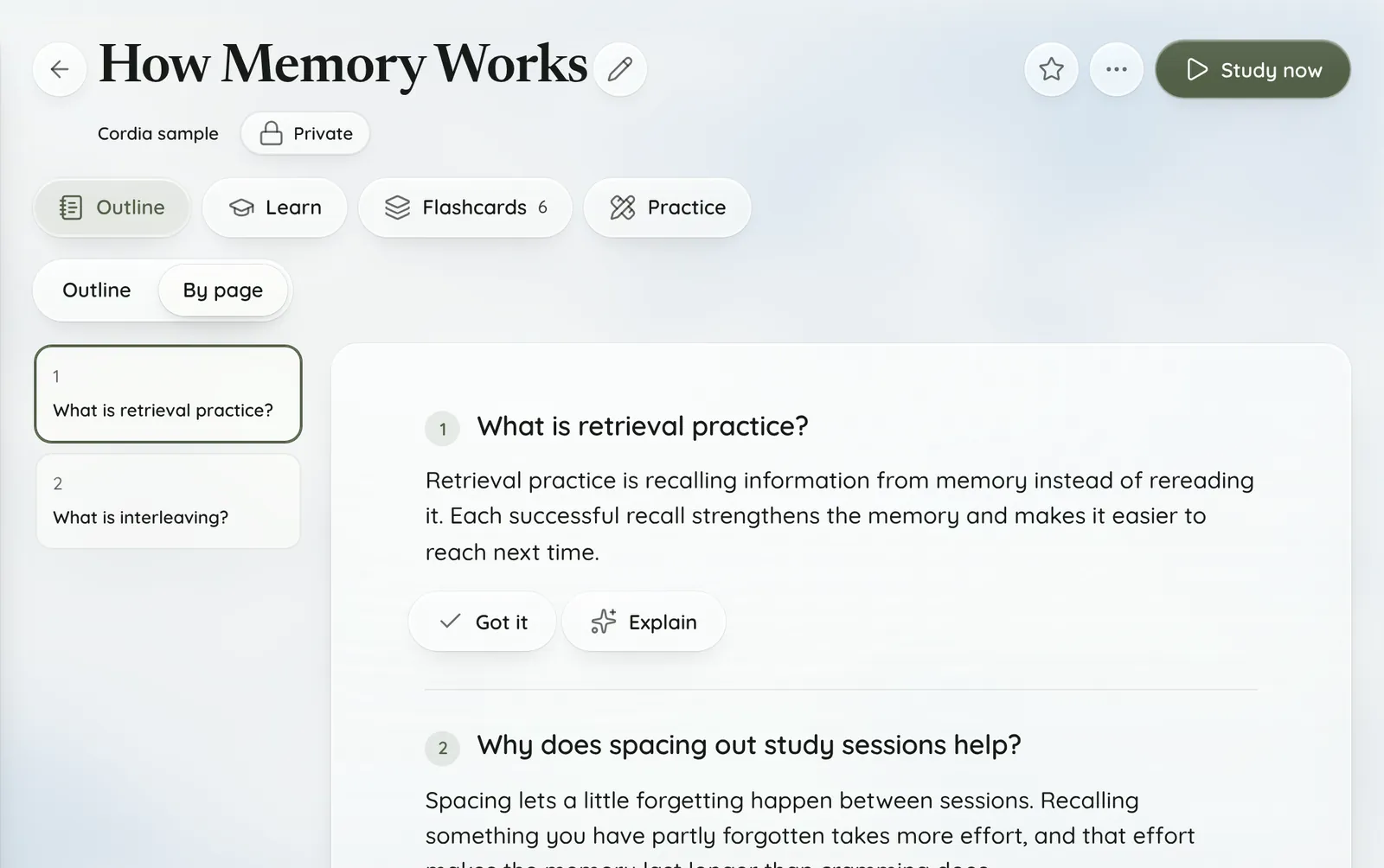
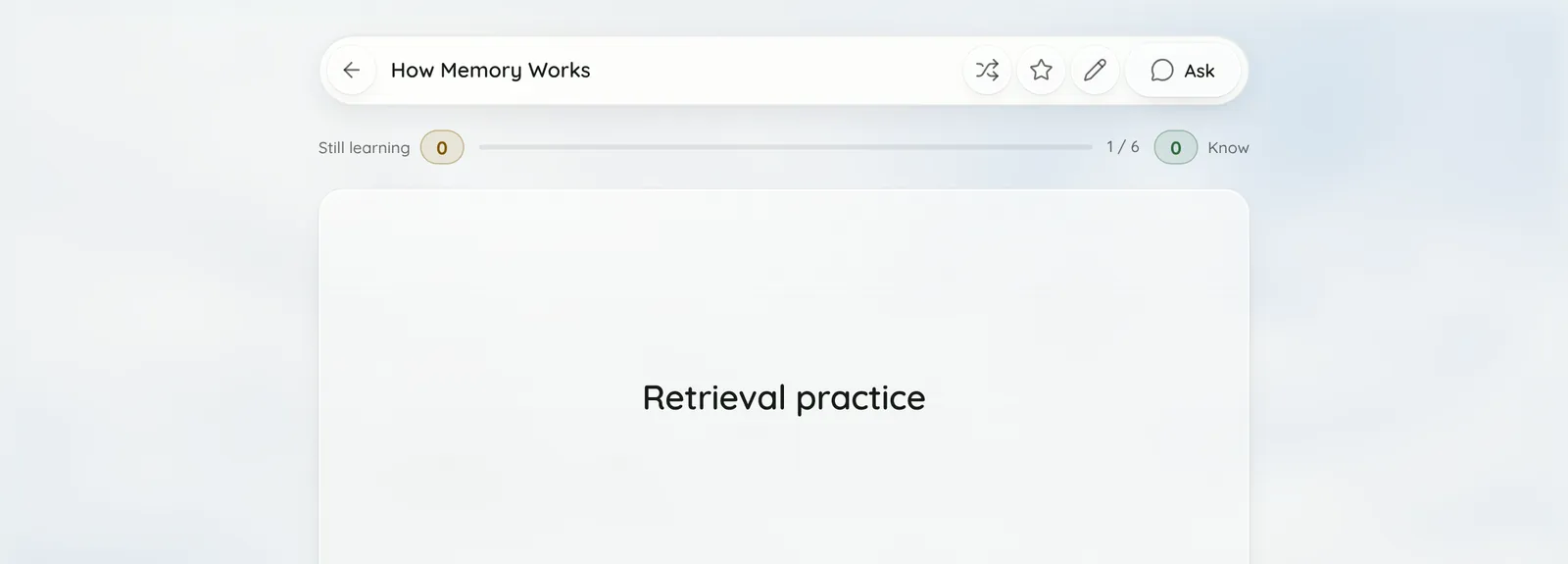
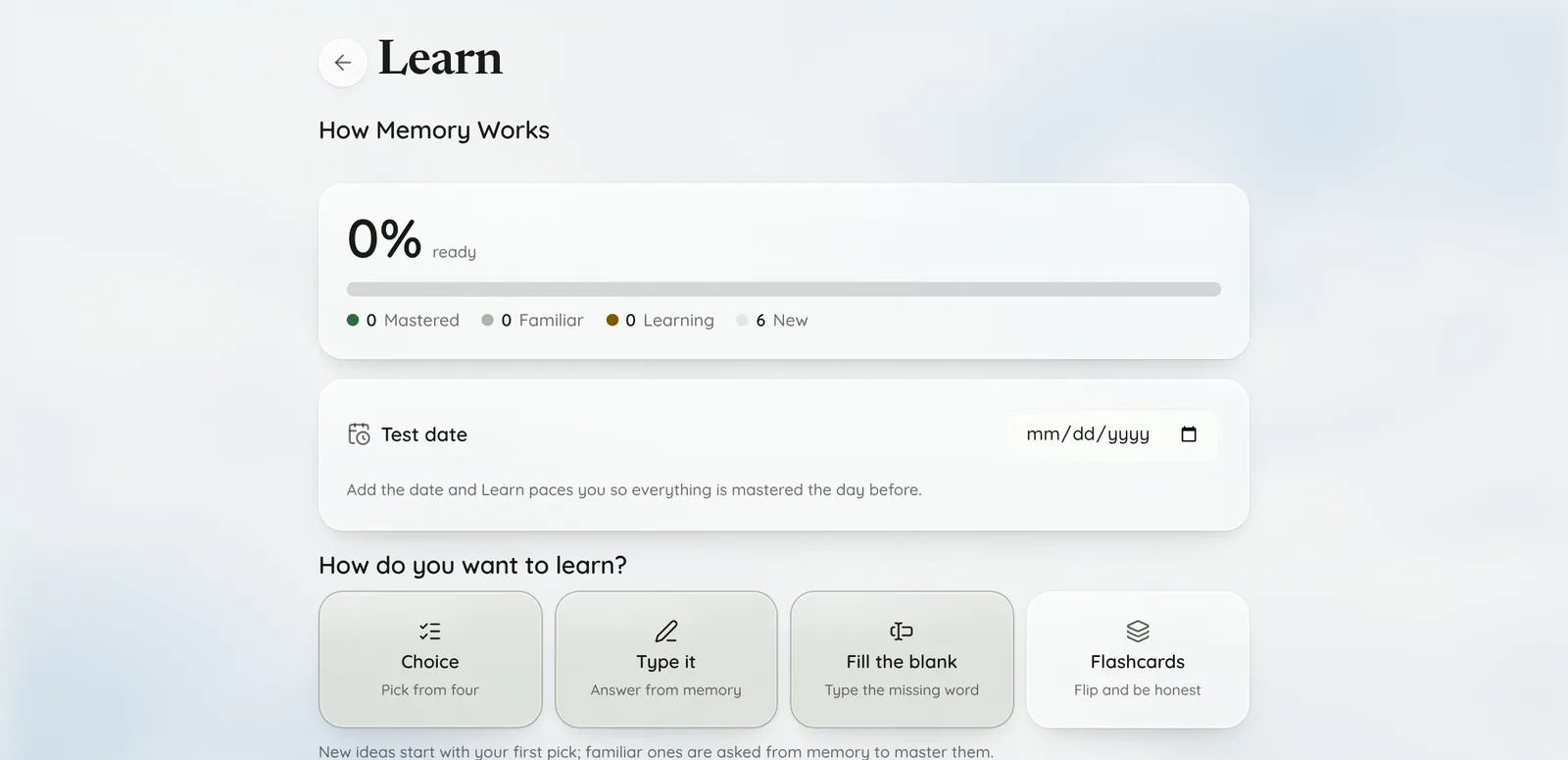
Screenshots show Cordia's built-in sample guide, How Memory Works.
How do I turn lecture slides into a study guide?
Upload the slide deck as a PowerPoint file (.pptx or .ppt) or a PDF under New › Upload, then choose Create. Cordia reads every slide and writes the guide from what is on them.
.pptx files are read slide by slide, so each slide's text stays together, and older .ppt files are converted first. Slides that only open on a web page, such as a Canvas page, can be captured with the Chrome extension instead.
What files can I upload?
PDFs, PowerPoint (.pptx or .ppt), Word (.docx), photos and images (JPG, PNG, WebP, GIF, iPhone HEIC, BMP or TIFF) and text files, up to 5 files at once and 50 MB per file.
- Scanned PDFs: a PDF with almost no selectable text (under 200 characters) is read from its page images, up to 20 pages, and counts as one AI reading action.
- Photos and screenshots of notes are read the same way, one AI reading action each. iPhone photos (HEIC) upload as they are.
- Text files include notes, data and code, such as .md, .csv, .json or .py files.
- Older Word .doc and .rtf files: save them as .docx first.
- Audio: a recorded lecture goes through Record, not Upload. Record it or upload the recording there, and once the lecture is written up, choose Make study guide.
- Video files can't be uploaded yet.
What's in the study guide?
An outline of the material, a set of questions and answers, and flashcards made from those answers.
- Outline: the material as a short outline you can edit.
- Questions and answers: shown By page, with Got it and Explain on each one.
- Flashcards: made from the guide's answers.
- Quizzes: Learn's Test yourself has a Quiz, a Timed test and Match.
How does Cordia keep the guide accurate?
The AI is told to find every testable item in your material first, then ask about each one, using only information the material states.
Testable items include terms and their definitions, people and works, processes, causes and effects, comparisons, and assignment requirements. Every answer must be supported by your text, and references, citations and page navigation are skipped.
Long files are split into sections of about 8,000 characters so each part is covered, and a part with nothing to study is skipped instead of guessed at. The guide is still written by AI, so check anything important against your course material.
How do I study it once it's made?
Use Learn to master each idea, Flashcards to review, and Test yourself in Learn when you want a quiz.
- Learn asks each idea as a choice, a typed answer, a fill-in-the-blank or a flashcard. With its default ways of asking, picking from choices takes an idea to Familiar and answering from memory masters it.
- Add a test date and Learn paces you so everything is mastered the day before.
- Flashcards come back on a spaced schedule: 1, 2, 4, 7, 15 and 30 days.
- Practice makes practice problems from the guide.
Does it work with Canvas files and web pages?
Yes. Connect Canvas and choose Make guide next to any course file, or use the Chrome extension to turn the page you have open into a guide.
The extension reads text you select, a document embedded in the page, or the page itself, on Canvas, Blackboard, Moodle and D2L Brightspace course pages and in Google Docs, Slides and Sheets. You can also paste a link to a web page, a PDF or a YouTube video under New › Link (YouTube needs the extension).
Who it's for
For example:
- A nursing student uploads five lecture PDFs before an exam, gets one guide with questions and flashcards, and uses the NCLEX tab for practice in exam format.
- A business student whose professor posts slides on Canvas connects Canvas and makes a guide from each week's deck with Make guide.
- A history student with a recorded lecture and no notes records the next class in Cordia, then makes a study guide from the written-up lecture.
Free includes 3 study guides a month. Pro is $4.99 a month and Academic Weapon is $9.99 a month, and new accounts can try Academic Weapon free for 7 days with no card. See pricing
Frequently asked questions
How many guides does the free plan include?
The Free plan includes 3 study guides a month, shared between the app and the Chrome extension, and the count resets on the 1st of each month. Pro and Academic Weapon include more.
Does it work with Word, Google Slides and Google Docs?
Word .docx files upload directly. For Google Docs and Slides, use the Chrome extension on the open document (it reads it as a PDF), download it as a PDF or PowerPoint file and upload that, or connect Google Docs or Google Drive under Settings › Connectors and import it into a guide.
How long does it take?
A long document's guide is built to come back in a minute or two: long files are split into sections, and several sections are written at the same time.
Can I edit the guide?
Yes. Choose Edit on the outline to change it, and choose Edit in the guide's menu to change its questions and flashcards.
Does it work for any subject?
Yes. The rules for writing questions aren't tied to one field: they cover terms, people and works, processes, causes, comparisons, worked problems and assignment requirements. Nursing guides also get an NCLEX tab.
Is my material shared with anyone?
Guides you make start private, so only you can see them. To share one, open it, choose the chip under its title and pick Link, Classroom or Public. The first public or link share asks you to accept the Honor Code, and guides can't be shared in a class whose instructor turned sharing off.